
Locksmith Services
Child or Pet Locked in a Car: Urgent Actions to Take Right Now in Houston, TX
When a child or pet is locked in a car, move fast but stay calm.
Commercial Keyless entry systems In Houston by Mobile Locksmith for offices warehouses and retail secure keypad card and mobile access with rapid same day setup
Commercial keyless entry systems in Houston let businesses control door access through codes, cards, fobs, or supported phones instead of traditional keys. Mobile Locksmith helps Houston, TX businesses choose suitable hardware, assess door compatibility, and plan installation or upgrades around employee access, daily operations, and safe exit needs.
A commercial keyless entry system lets you manage who can enter specific doors and when their access works. Depending on the equipment, you can remove a lost credential without changing the physical lock.
That control helps offices, shops, warehouses, and other workplaces handle staff changes with less disruption. Instead of collecting every copied key, you can update a code or cancel an individual card.
Think about your current routine. Who has access to your building today, and how quickly could you remove that access tomorrow?
Not every lock supports every function.
We help you compare the functions you need with what a particular system can actually do.

Keyless entry is worth considering when shared keys, changing schedules, or missing credentials make access harder to manage. A working mechanical lock may still be a poor fit for your daily workflow.
Do employees pass a single key between shifts? Does someone need to arrive early just to open a side entrance? These routines can create delays and leave access decisions unclear.
A keyless system will not fix every security concern. Propped doors, weak frames, and poor closing action still need attention, even with a new reader beside the door.
The right credential depends on how many people use the door and how you want to manage their permissions. Commercial keyless entry systems can use one access method or several within the same property.
Keypads work without a separate card or fob. They can suit smaller teams, but shared codes become difficult to control once too many people know them.
Cards and fobs give each user a separate credential. Compatible systems let an authorized manager remove one credential without affecting everyone else.
Phone access can reduce the need to carry another item, but support varies by product. Phone compatibility, app requirements, permissions, and battery use should be checked before choosing it.
A standalone lock can suit a single door, while a connected access control system can support several doors and centralized administration. The better choice depends on your workflow, not simply the size of the building.
Standalone models often store codes or credentials at the lock. Some require changes at each door, which may be manageable for a small office.
Connected systems may let an authorized administrator update users and schedules from a central interface. Certain models also support access logs, door status monitoring, or remote functions.
Before choosing, decide which tasks matter most. Do you need basic entry control, or does your team need to manage several entrances from one place?
Commercial keyless entry systems in Houston should fit the people responsible for running them. A long feature list offers little value if routine changes are confusing or require tools your staff cannot use.
Reliable keyless entry starts with a door that closes, latches, and aligns correctly. Electronic hardware cannot compensate for a sagging hinge or a damaged frame.
We assess the opening before recommending a lock or access control arrangement. Door material, existing hardware, frame condition, and available wiring all affect what can be installed.
Glass storefront entrances, metal warehouse doors, and interior office doors often need different hardware. Keeping suitable existing components may make sense, but compatibility must be confirmed first.
Your door should not need a shoulder check to latch. That is a repair signal, not an employee training issue.
An access reader checks a credential, while the locking hardware controls whether the door can open. Some products combine these parts within a single lock. Others use separate components.
An electric strike works with compatible latching hardware at the frame. An electrified lock places the electrically controlled function within the lock assembly.
Magnetic locks use a different holding method and need careful review of release methods, power behavior, and exit requirements. They are not a universal replacement for other commercial locks.
We explain the proposed arrangement in practical language. You should know what lets someone in, what lets someone out, and what happens when a component stops working.
Different groups should receive access based on their actual duties and schedules. Giving everyone the same code may feel simple, but it makes later changes harder to manage.
Employees may need access during assigned shifts. Cleaning crews may need a limited evening window, while delivery drivers may only need a receiving entrance.
If the system records access events, explain that function to the people responsible for reviewing them. An event log shows credential activity, but it does not prove that only one person passed through a door.
Keyless entry must control entry without creating an unsafe barrier to leaving the building. Exit hardware, door use, and applicable requirements need review before equipment is selected.
A locked exterior entrance does not mean occupants should need a phone, card, or code to get out. The correct arrangement depends on the opening and its role within the property.
Existing panic hardware, fire-rated openings, and alarm connections may affect the work. Some projects need coordination with building management, an alarm provider, or the appropriate local authority.
Stop using a troubled opening as a routine entrance if people cannot exit normally, and arrange prompt assessment. Do not wedge, tape, or modify exit hardware to make an electronic lock cooperate.
We discuss these concerns before recommending changes. Safe exit is part of the door plan, not an item to sort out after installation.
A site visit helps connect your access goals with the condition of your doors and the equipment they can support. We start by asking how the building operates and where current access causes problems.
Before work begins, we also discuss who will manage the system. That person should be available for the handoff and routine operating instructions.
Installation timing depends on the door condition, hardware availability, wiring needs, and number of openings. A compatible single-door replacement usually involves fewer steps than a connected system across several entrances.
Preparation often has the greatest effect on disruption. Clear access to doors, approved hardware choices, and an available building contact can help the work proceed efficiently.
We discuss the likely sequence after reviewing the property. Do not assume that every opening can be converted during one visit.
For busy workplaces, work may need to move door by door. That approach helps preserve usable routes while installation and testing take place.
A short preparation checklist helps us assess the property and reduces avoidable interruptions. You do not need to choose every component before calling.
If you lease the space, check whether the property owner must approve drilling, wiring, or hardware changes. Shared entrances may need a separate discussion from doors within your unit.
Keep work areas clear of stock, furniture, and carts. A blocked service entrance makes inspection harder and may hide the reason a door does not close properly.
Houston weather and daily door traffic should influence equipment placement and hardware selection. Outdoor readers and locks need suitable ratings for the conditions they will face.
An entrance under a canopy may have different exposure than a warehouse door beside an open loading area. Heat, moisture, wind-driven rain, and direct sun can affect product suitability.
Workplace needs also differ by setting.
We consider how people actually use each door. A reader mounted where employees cannot comfortably reach it creates frustration, even if the equipment itself works correctly.
A keyless entry plan should include lost credentials, dead batteries, power outages, and network interruptions. Different products respond differently, so these details need to be confirmed before installation.
Battery-powered locks may provide low-battery warnings, but someone must act on them. Wired systems may support backup power, depending on the equipment and project scope.
Some systems continue checking stored permissions without an internet connection. Others lose certain remote functions during an outage.
We explain the expected behavior of the selected equipment. Backup procedures should be documented rather than left to guesswork during a busy morning.
Routine checks and clear management habits help keyless entry remain practical after the initial setup. Most daily problems become easier to address when someone owns the access process.
Assign a responsible manager and keep a current user list. Give administrator permissions only to people who need them.
Avoid spraying cleaner into readers or opening electronic components without proper guidance. Repeatedly resetting a troubled lock may hide a door alignment, power, or wiring problem that needs assessment.
Mobile Locksmith helps you plan keyless entry around your doors, users, and daily routines in Houston, TX. We focus on practical access choices and explain what needs checking before work can move forward.
Whether you are replacing a shared office key or reviewing several warehouse entrances, start with the problem you want to solve. Door photos, current hardware details, and basic schedule information can make that first conversation about your commercial doors more useful.
For commercial keyless entry systems in Houston, call (281) 528-1703 or contact us to discuss your doors. Tell us which doors need attention, who uses them, and what is no longer working with your current access setup.
It is an access system that allows entry to business premises using credentials instead of traditional keys.
Common options include keypad, card, fob, and mobile-based entry systems.
Mobile Locksmith provides commercial keyless entry services for businesses.
Compatibility depends on the door, its hardware, and the system being considered.
Some systems support individual access permissions, depending on their features and configuration.
Some systems maintain access records. Businesses should consider relevant privacy requirements when using these features.
Many systems allow an administrator to deactivate the missing credential and arrange a replacement.
Operation varies by system and setup. Power-loss behavior and emergency exit requirements should be considered when selecting a system.
Maintenance needs vary and may include checking hardware, managing credentials, and following manufacturer guidance.
Consider access needs, door compatibility, management preferences, and applicable building requirements.
When a child or pet is locked in a car, move fast but stay calm.
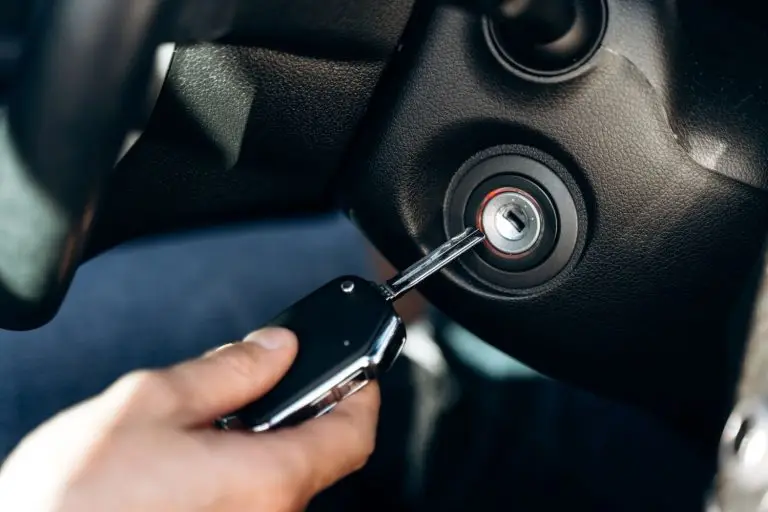
When an ignition key snapped inside the lock, the best move is to stop twisting,
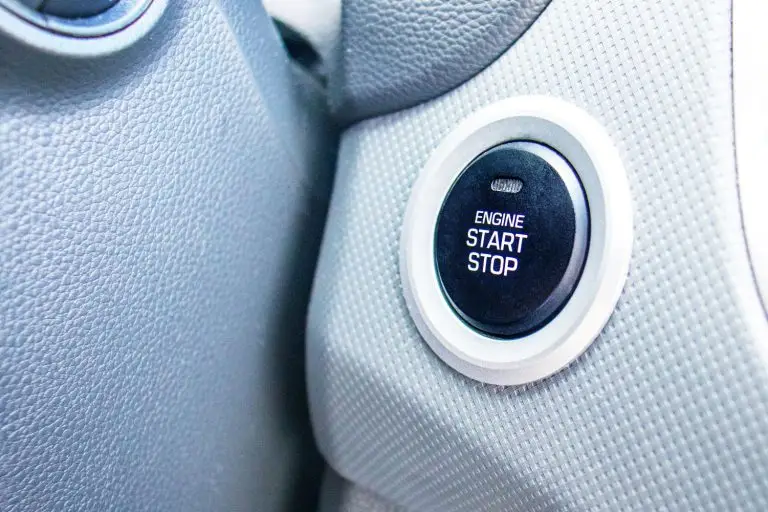
Push-button start keys missing can feel like your car is playing keep-away. The good news