Automotive Locksmith
Key Fob Works Sometimes? When Key Fob Programming May Help
An unreliable key fob may point to a weak battery, damage, signal trouble, or lost pairing. Use these checks before arranging key fob programming.
Secure your property with Intercom systems In Houston from Mobile Locksmith fast video audio installs for homes gates offices same day service and free quote
Intercom systems in Houston let you speak with visitors before opening a door or gate. Mobile Locksmith helps Houston, TX, property owners assess entry needs, compare audio and video options, and address installation or repair concerns. We focus on clear communication, controlled access, and practical daily use.
A useful intercom should fit the way people enter your property. A front porch, driveway gate, shared lobby, and office entrance each need a different setup.
Do you need to hear visitors, see them, or release a locked entrance remotely? We help you work through those questions before choosing equipment or changing existing hardware. Call (281) 528-1703 to discuss your entrance and the problems you want to solve.
An intercom lets people communicate across a closed entrance without meeting face to face. Depending on the equipment, it may also support video, indoor answering stations, mobile notifications, or a connected door release.
A typical setup includes an outdoor call station and a way to answer inside. Some systems use existing wiring, while others depend on a network connection or wireless signal. Power, distance, and entrance hardware all affect the right choice.
Intercom systems do not automatically control a lock. Door release requires compatible access hardware and a suitable connection between the answering device and the entrance.
Before choosing features, decide who should answer calls and who may open the door. Those decisions help prevent a setup that looks useful but creates extra work every morning.
Audio works well for basic visitor communication, while video adds a visual check before entry. The right choice depends on your entrance, lighting, privacy needs, and preferred answering method.
An audio intercom can suit a straightforward entry where voice communication is enough. Video may help at a front door, shared entrance, or gate where you cannot easily see the visitor.
A camera only shows its viewing area.
Placement matters more than a long feature list.

A home intercom should make answering the door easier without turning a simple visit into a technical project. Button placement, indoor sound, and clear instructions matter for both residents and guests.
Think about where you spend time during the day. An answering station near the kitchen may be useful, but it may not help someone working behind a closed office door.
For mobile answering, check phone compatibility and notification settings before relying on the feature. A muted phone can make a working intercom seem broken.
Families should also agree on door-release rules. Children and guests need to know that hearing a familiar name is not always enough to open an entrance.
We can discuss entry communication alongside your existing locks. That helps keep visitor access convenient without overlooking the physical door.
A gate intercom needs dependable communication between the driveway entrance and the person answering. Distance, weather exposure, available power, and the gate operator all influence the setup.
Long driveways can create wiring and wireless signal problems. A strong connection inside the house does not prove the signal will reach a call station beside the street.
Call station placement also matters. Drivers should be able to reach the button without leaving the vehicle in an awkward position.
An intercom command must not bypass gate safety devices. Gate movement problems may require help from a gate service provider.
Business intercoms help staff screen visitors while keeping exterior doors closed. They can also reduce repeated trips to a reception entrance, stockroom door, or controlled office corridor.
For offices, the main question is often who answers when reception is away. A system should have a practical call route rather than sending every visitor to an unattended desk.
Shared residential entrances need clear resident identification and a workable process for changing names or contact numbers. Old directory information can leave visitors calling the wrong person.
Intercom systems in Houston should reflect the actual traffic at each property. A quiet office entrance and a busy shared lobby need different call handling.
Tell us how employees, delivery drivers, residents, and contractors use the entrance. We can then discuss options that support those routines without giving everyone the same access.
An intercom needs assessment when communication, notifications, or entry release becomes unreliable. Intermittent problems deserve attention even if the system works again after several attempts.
Does the problem affect every visitor or only certain answering devices? That distinction can help narrow the cause.
Write down what happens and when. A short description is more useful than repeatedly resetting equipment and hoping it behaves.
Intercom trouble can come from power, wiring, network settings, outdoor exposure, or worn entry hardware. A failed call station is only one possible cause.
Loose connections may produce broken audio. Moisture can affect exposed terminals, while damaged cable can interrupt both sound and video.
Network-based systems may stop sending alerts after a router change or account update. Phone permissions and muted notifications can also prevent calls from reaching the person answering.
A door-release complaint may begin at the door rather than the intercom. A sagging door, tight latch, or misaligned strike can keep an electrical release from opening properly.
Houston heat and heavy rain make outdoor placement worth checking closely. Equipment should match its exposure, and cable entry points should not invite water into the enclosure.
Our assessment starts with your reported problem and follows the call path from the entrance to the answering device. We also check connected entry hardware when door release is involved.
The goal is to address the cause, not simply replace the most visible device.
Repair makes sense when the fault is limited and the equipment still supports your needs. Replacement may be more practical when damage is widespread, compatible components are unavailable, or daily use has changed.
A damaged button, loose connection, or door alignment issue may not require a full system change. Testing helps separate those faults from broader equipment failure.
Older wiring can sometimes be reused, but its condition and compatibility need checking. A cable that worked with an audio unit may not support a proposed video system.
Keeping useful equipment is sensible when it can support a dependable setup.
An intercom can release a door only when the lock hardware and control connection are compatible. The entry must also close, latch, and permit safe exit correctly.
Electric strikes, magnetic locks, and other controlled locking devices operate differently. The correct approach depends on the door, frame, existing hardware, and property requirements.
We look at the complete entrance rather than treating the release button as a separate feature. A working electrical signal cannot fix a door that rubs against its frame.
Do not assume an entrance is secure because you hear a click. Test whether it opens when authorized and latches again after closing.
Changes involving exit operation, building requirements, or electrical work may need review by the appropriate professional. An intercom should support safe entry control, not interfere with it.
Installation timing depends on wiring access, mounting conditions, equipment compatibility, and the number of entrances. An existing cable path can simplify the work, but it still needs inspection.
A replacement at a single doorway is different from adding a gate station across a long driveway. Masonry, buried cable routes, finished walls, and limited power access can add work.
Network configuration can also affect completion. Business properties may require their network provider to approve connections or provide account access.
We discuss the expected work after reviewing the setup. If trenching, new electrical supply, or gate repairs are needed, those tasks may require separate coordination.
Ask about disruption before scheduling. For a shared entrance, residents or employees may need instructions for using another entry while testing takes place.
A little preparation helps us assess the system without spending the visit tracking down access or equipment information. You do not need to open housings or handle wiring yourself.
Avoid sending passwords through casual messages. Enter account credentials yourself when possible.
If the issue happens only during rain or at night, mention that early. Those details can guide the inspection.
Safe intercom use starts with confirming who is at the entrance before releasing it. Clear audio or video helps, but the person answering still makes the access decision.
Give employees and household members simple instructions. Unknown visitors should state their name, purpose, and intended contact before entry is considered.
If your system supports recorded video or stored visitor information, review its settings and access permissions. Recording and storage features vary by product and account setup.
A delivery uniform is not an access credential. Neither is a confident wave at the camera, impressive though the performance may be.
Routine cleaning and simple function checks can help you spot problems before visitors get stuck outside. Use the equipment maker’s care instructions and avoid opening powered housings.
Wipe accessible surfaces with a soft cloth using an approved cleaning method. Do not spray water or cleaning liquid directly into speakers, buttons, cameras, or cable openings.
Test the system periodically from the visitor’s position. Check the call button, two-way audio, available video, and door release.
After a router replacement or phone change, confirm that notifications still reach the right users. Account access should also be reviewed after staffing or resident changes.
Stop using damaged equipment if you notice exposed conductors, unusual heat, or a burning smell. Keep clear of standing water near electrical equipment and contact an appropriate professional.
Mobile Locksmith helps you plan intercom work around the entrance, existing locks, and people who use them. We explain practical options without treating every communication problem as a reason to replace everything.
Whether your property is a home in Houston, TX, or a Texas business with controlled entry, the starting point is the same. We need to understand what the system should do and what is getting in the way.
For intercom systems in Houston, have your property type, entrance location, and current symptoms ready when you contact us. Photos of accessible equipment may also help explain the setup, without removing covers or touching wiring.
Call (281) 528-1703 or contact us to discuss installation, repair, or replacement needs. We can help identify the next step for clearer visitor communication and more manageable entry access.
An intercom system allows people to communicate between designated locations, such as an entrance and an indoor area.
Mobile Locksmith provides intercom system services. Contact them to discuss your general needs.
Intercom systems are commonly used in homes, apartment buildings, offices, and other shared properties.
Common options include audio, video, wired, and wireless systems.
Consider the property layout, communication needs, and preferred features when reviewing options.
Compatibility depends on the intercom and the existing equipment. Not all systems are designed to work together.
An upgrade may be possible, depending on the condition of the existing system and the available options.
Common issues include unclear audio, an unresponsive call button, or interruptions in communication.
Maintenance needs vary by system. Following the manufacturer’s care guidance is a useful starting point.
Think about your current system, any issues you have noticed, and what you need it to do.
An unreliable key fob may point to a weak battery, damage, signal trouble, or lost pairing. Use these checks before arranging key fob programming.
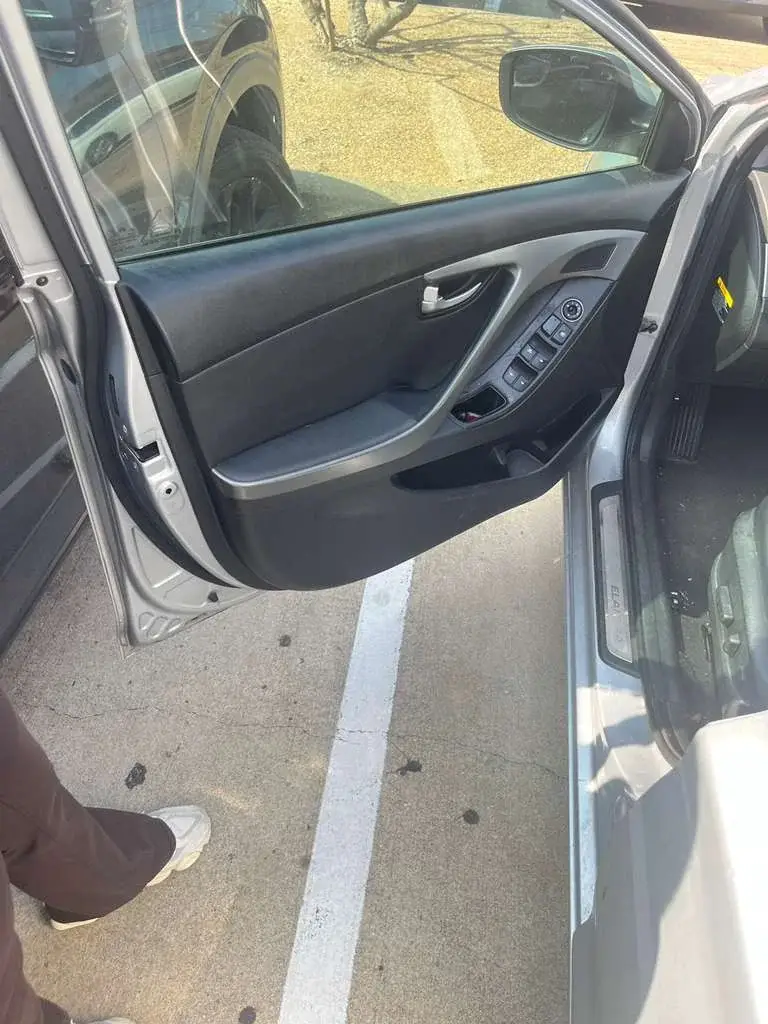
A broken key fragment can get pushed deeper or damage the lock. Stop turning and avoid glue, magnets, prying tools, and spare keys. Secure the car and arrange key extraction help.
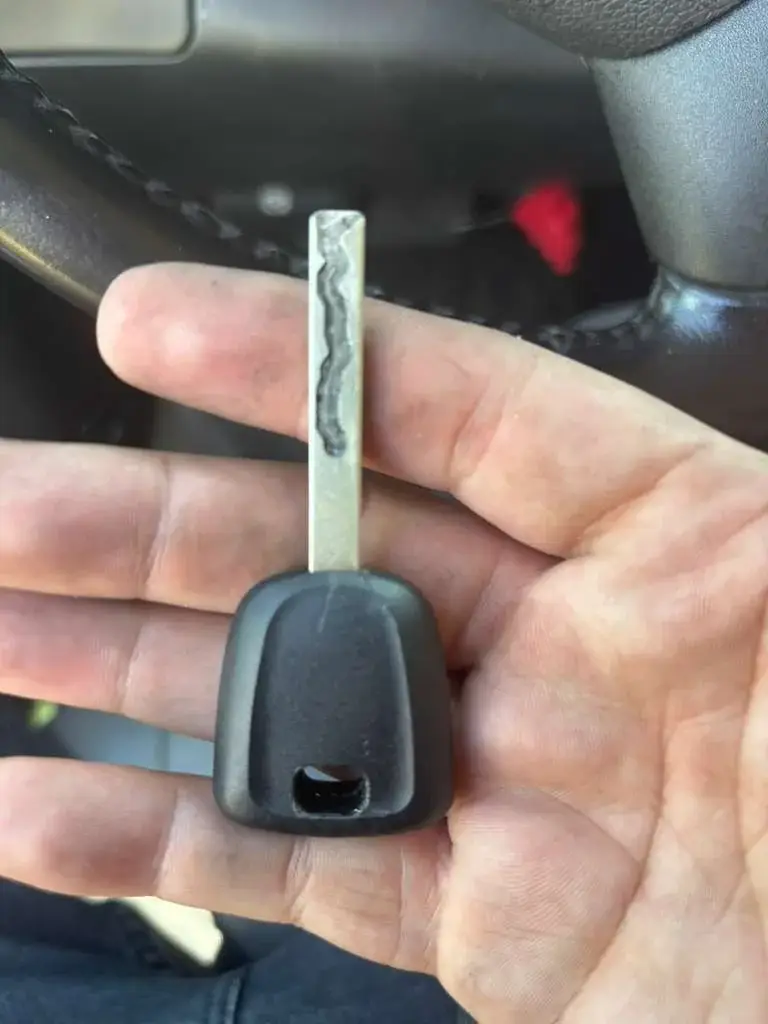
Lost your only car key? A mobile locksmith may be able to make and program a replacement once they confirm your vehicle details and authorization.