Automotive Locksmith
Key Fob Works Sometimes? When Key Fob Programming May Help
An unreliable key fob may point to a weak battery, damage, signal trouble, or lost pairing. Use these checks before arranging key fob programming.
Panic Bar Installation In Houston by Mobile Locksmith keeps exits secure and code compliant with fast same day service free on site quotes and expert techs
Exit Hardware That Supports Safe, Practical Access
Panic Bar Installation in Houston adds push-operated exit hardware so people can open a door from inside without a key. Mobile Locksmith helps Houston, TX, businesses choose suitable hardware, address door fit, and check operation so everyday security does not interfere with a usable exit.
A panic bar should feel simple to use because its job is simple. Push the bar, release the latch, and open the door. Getting that result takes more than attaching a metal device to a door.
The door, frame, hinges, strike, and closer all affect operation. We look at those pieces together so the new exit hardware works with the opening rather than fighting against it.
Need hardware for a new business space or an existing exit? Call (281) 528-1703 or visit Mobile Locksmith to discuss your door.
Panic bar installation involves selecting, mounting, and adjusting an exit device for a specific door and its use. The work also includes checking how the door opens, closes, and latches.
Often called a crash bar or push bar, this hardware releases a latch when someone presses the inside touchpad. Outside access can remain controlled through compatible trim, a lock cylinder, or an approved access system.
The right setup depends on more than door width. Before choosing equipment, we consider these points.
A device that looks right in a product photo may not suit the actual opening. Checking compatibility first helps prevent unnecessary drilling and poor fit.

A new panic bar may be needed when an exit device is missing, damaged, unreliable, or unsuitable for the building’s current use. Changes to a tenant space can also prompt a review of existing door hardware.
Does the bar move without releasing the latch? Do people have to shove the door after pressing it? Those symptoms call for inspection, though the device itself may not be the only problem.
Not every worn bar needs full replacement. A door alignment problem or an incorrect strike can make usable hardware seem defective and may call for hardware repair instead.
Door alignment problems can prevent a properly selected panic bar from operating smoothly. A new device cannot correct every issue hidden in the opening.
Loose hinges can let the door sag against the frame. A poorly adjusted closer can slam the door or leave it short of the latch, while worn weather seals can create extra resistance.
In Houston, exterior openings also face humidity, wind-driven rain, and frequent temperature changes. Moisture exposure can contribute to corrosion, and building pressure can make a door harder to push.
We check the source of resistance before treating the bar as the whole problem. That review helps guide door hardware repairs. Your exit should not double as a daily shoulder workout.
If the frame is damaged or the door needs structural work, that concern should be addressed before final installation. Solid mounting and predictable alignment are essential to dependable operation.
Rim exit devices are often a practical choice for compatible single doors because the latch engages a strike on the frame. Exit device selection still depends on the door, opening requirements, and intended use.
The device body sits on the inside face of the door. Pressing the touchpad retracts the latch so the door can open.
Hardware size matters, especially on narrow doors or doors with glass. The mounting area must support the device without interfering with glazing, existing cutouts, or other components.
Outside access needs a separate decision. Do you want employees to enter with a key, or should the door function only as an exit?
We discuss that use before selecting exterior trim. A door that stays locked from outside can still permit exit from inside through suitable panic hardware.
Double doors need hardware that accounts for how both leaves open and latch. The correct arrangement depends on the frame, door construction, and whether either leaf must open independently.
Some paired openings use rim devices with a center mullion. Others use vertical rod devices that latch at the top, bottom, or both, depending on the product and permitted configuration.
These systems are not interchangeable without checking the opening. Rod alignment, floor strikes, door sequencing, and closer operation can all affect exit device installation and performance.
For a double-door installation, we review the opening and its daily use.
A wide opening is useful only if its hardware supports the intended use. We consider both routine access and exit operation.
A fire-rated door needs hardware approved for that opening, not just a panic bar that happens to fit. Panic hardware and fire exit hardware can look similar while serving different requirements.
The door and frame labels help guide product selection for panic bar installation. Existing preparation, latching components, and closing equipment also need review before changes are made.
We do not treat visible fit as proof of suitability. When the opening’s status is unclear, building records or input from the responsible authority may be needed.
Never remove a fire-door label or modify a rated assembly casually. Those details affect which installation methods and components are appropriate.
Our installation process starts with the opening and ends with checks of the complete door operation. Mounting the device is only part of the work.
Each door presents different conditions, but the main steps follow a practical sequence.
If inspection reveals another issue, we explain how it affects the installation. That keeps the next step clear.
Exterior access can remain controlled while the inside panic bar allows occupants to leave. The inside exit function and outside entry function should be planned together.
Compatible exterior trim may provide keyed entry, a pull handle, or another approved access method. The choice depends on who needs access and how the building operates.
For an employee entrance, management may want controlled entry during business hours. A rear exit may need no routine entry function at all.
Already using a keypad or card reader? Tell us before hardware is selected, since electronic systems can affect the device and wiring requirements.
Electrical locking arrangements need careful review of emergency release and exit operation. Adding access control should never turn a normal exit into a puzzle for the person trying to leave.
Installation timing depends on door condition, hardware compatibility, and whether the opening needs other work. A straightforward hardware replacement differs from converting an unprepared door.
Existing holes may not match the new mounting pattern. Hollow metal, wood, and aluminum doors can also require different fastening methods and reinforcement.
We discuss the likely scope after reviewing the door. We avoid treating every installation as a quick swap when the conditions say otherwise.
For occupied businesses, scheduling also needs to account for people using the opening. A safe work plan matters more than rushing through the last adjustment.
Houston buildings need exit hardware selected for the actual opening, traffic, and exposure. A sheltered office corridor and a rain-exposed service door face different demands.
Restaurants may have employees moving through rear doors with supplies. Shops may need customer-facing hardware that is easy to use, while warehouses must consider carts and frequent deliveries. These uses help guide commercial hardware choices.
Multi-tenant properties can present another concern. Several businesses may depend on the same exit route. A hardware change should not create access problems for neighboring occupants.
Across Houston, Texas, exterior doors may also face wet thresholds and air pressure differences. Those conditions can reveal closer or alignment issues that are less obvious during quiet periods.
Tell us how the door behaves during your busiest hours. That everyday information can be more useful than a description of the hardware alone when planning locksmith work for a building.
Preparing basic door information helps us understand the opening before installation work begins. You do not need to identify every component by name.
Clear photos can show the current device, frame, hinges, and outside trim. Include visible door labels without removing or covering them.
Before the visit, use this checklist.
Does the door connect to an alarm or access system? Let us know so any necessary coordination can happen before components are disconnected.
Keep required exit routes usable while work is planned. Do not block an exit simply to reserve the space for installation.
A completed exit device installation needs checks of the door assembly, not just a moving touchpad. The latch must release, and the door must return to its intended closed position.
We press the bar through repeated operating cycles and watch how the latch responds. We also check for rubbing, loose mounting, and interference between components.
Where a closer is present, its action needs attention. A door that stops short of latching can leave the building unsecured even if the panic bar works.
Outside trim receives its own check so entry control matches the intended setup. On paired doors, both leaves and their closing sequence need review where applicable.
These functional checks do not replace any required inspection or approval. Building use, permit needs, and acceptance of the opening remain matters for the responsible authorities.
Routine observation helps catch panic bar problems before they disrupt the exit. Staff should report changes rather than force the door or modify the device.
Use a simple care routine based on the product instructions. Cleaning and lubrication needs vary, so avoid spraying random products inside the housing.
Include these checks in your normal building walk-through.
Do not chain an occupied exit shut, tape back its latch, or wedge a fire door open. If an exit will not operate, notify the responsible building contact and arrange prompt correction under the site’s safety procedures.
Mobile Locksmith helps Houston property owners and managers approach exit hardware as a complete door system. We focus on suitable components, practical operation, and clear discussion of any conditions that affect the work.
Whether you manage a shop, office, restaurant, or shared commercial property, start with how the door is used. That information helps guide hardware selection and exposes problems a simple product swap might miss.
For Panic Bar Installation in Houston, call (281) 528-1703 or contact us to discuss your installation. Share your door type, current hardware, and the problems you want addressed so we can discuss the next step.
A panic bar is a door-mounted device that allows people to open an exit door by pushing a horizontal bar.
Mobile Locksmith provides panic bar installation for properties that use this type of exit hardware.
Panic bars are commonly found on exit doors in commercial buildings, schools, and other shared spaces.
Installation may be possible, depending on the door’s condition, construction, and hardware compatibility.
Selection generally depends on the door, how the building is used, and applicable exit requirements.
Installation generally involves fitting the hardware to the door and checking its operation.
Requirements vary by building use, occupancy, and local regulations. Not every commercial door requires one.
Some panic bars can work with compatible access control equipment while supporting exit operation.
Replacement may be an option when existing hardware is worn, damaged, or unsuitable for the door.
Periodic maintenance helps address wear and operating issues. Care should follow the manufacturer’s guidance.
An unreliable key fob may point to a weak battery, damage, signal trouble, or lost pairing. Use these checks before arranging key fob programming.
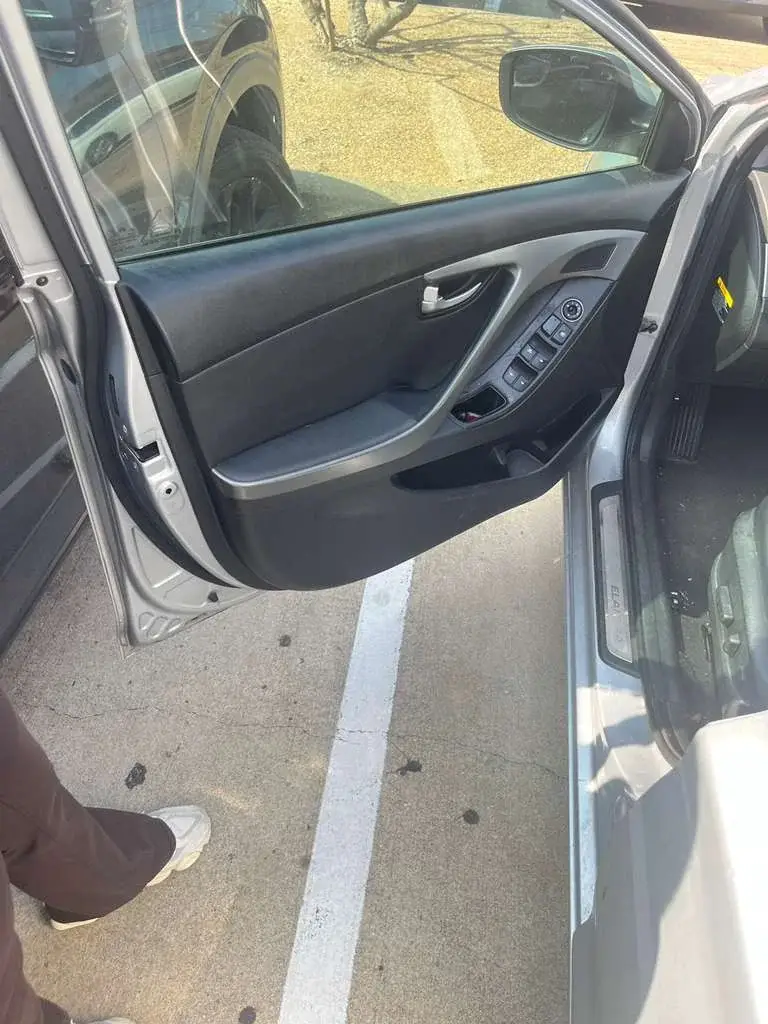
A broken key fragment can get pushed deeper or damage the lock. Stop turning and avoid glue, magnets, prying tools, and spare keys. Secure the car and arrange key extraction help.
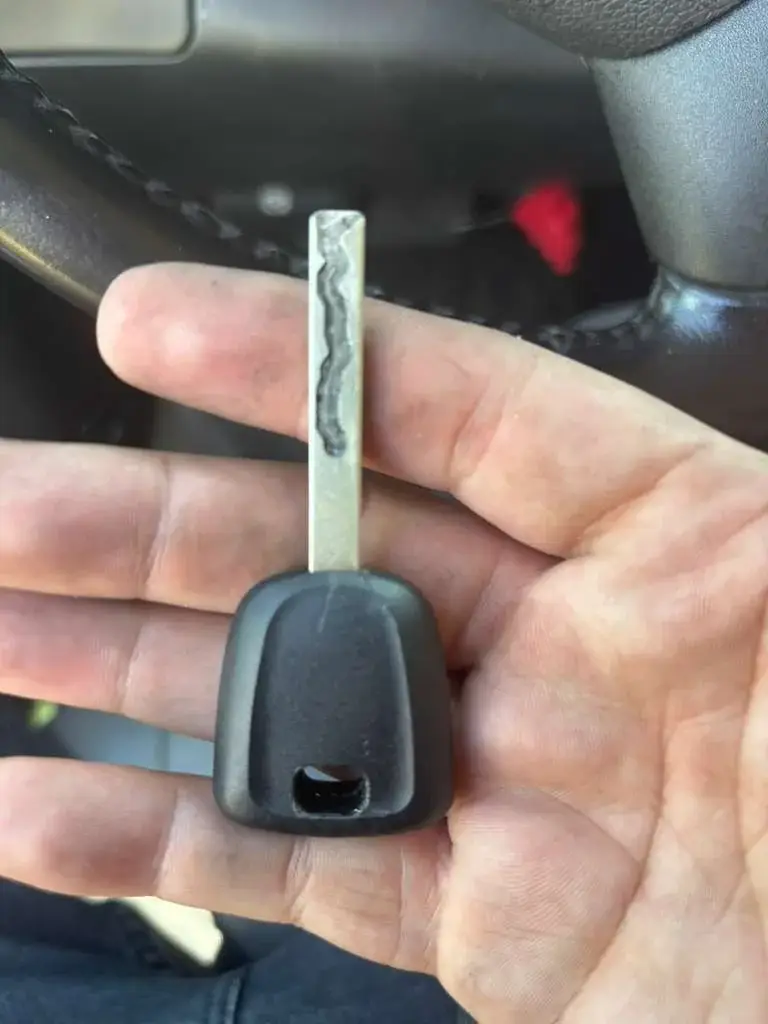
Lost your only car key? A mobile locksmith may be able to make and program a replacement once they confirm your vehicle details and authorization.